What’s New in Memoket: App V1.3.3
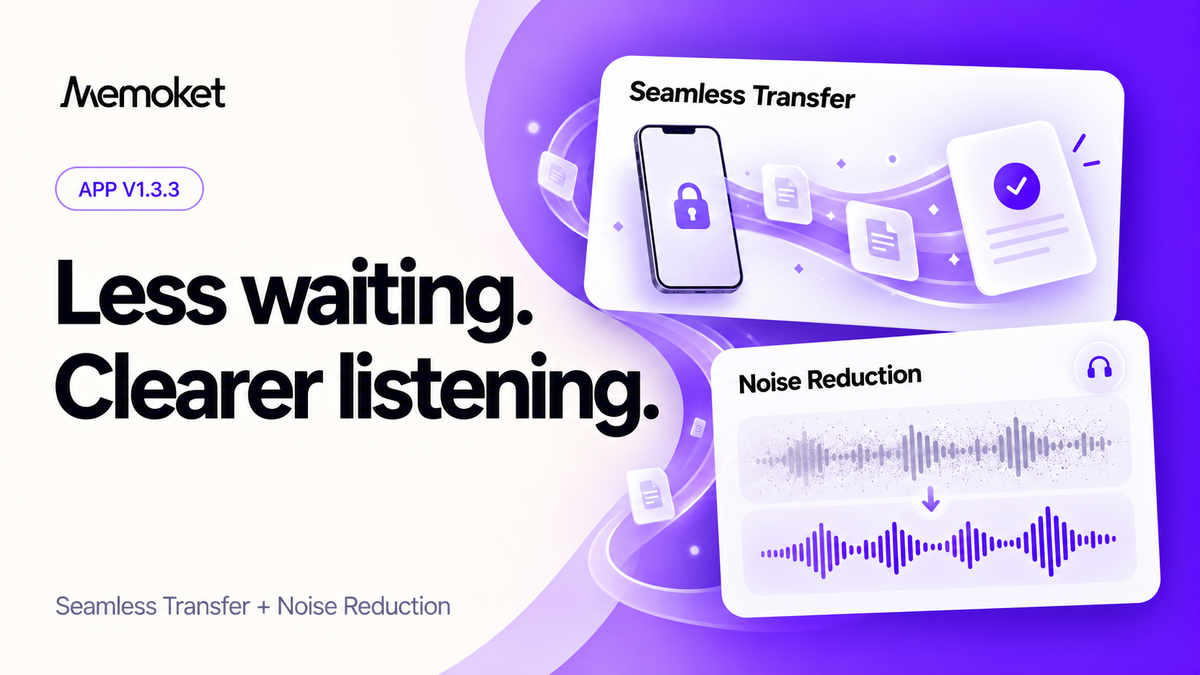
A useful recording is one you can return to easily. Whether you're checking a decision, revisiting an explanation, or listening for a detail your notes didn't capture, V1.3.3 makes that easier: Seamless Transfer gets your recordings ready in the background, and Noise Reduction makes conversations clearer when you play them back.
Record, then get on with your day
Without Seamless Transfer, there's a frustrating moment: you finish a conversation on your Gem, open Memoket later to review it, and have to sit there waiting for the recording to upload before anything can happen. That extra step adds friction to the one thing a wearable personal agent should make effortless.
Seamless Transfer moves that work to the background. Your recordings transfer from your Gem while you're using another app or have your phone in your pocket. By the time you return to Memoket, your recording and notes may already be ready.
Open Memoket. Wait for recording to upload. Wait for processing. Then read your notes.
Finish your recording. Go to your next meeting. Open Memoket later. Notes are already there.
In V1.3.3 we've also improved how Seamless Transfer handles background tasks when you switch apps or lock your phone, and how Bluetooth transfer progress is preserved if a connection gets interrupted.

- 1 Open Profile and scroll to Devices & Storage.
- 2 Tap Seamless Transfer and turn on the switch.
- 3 Follow the permission prompts and grant Always location access — this is what allows background operation.
Background operation uses additional battery. Transfer and processing time depend on recording length and connection quality.
Hear more of the conversation
Summaries cover most situations. But sometimes you want to hear the exact words: the explanation behind a decision, the way someone described a problem, or a detail you want to verify. That's when background noise becomes genuinely frustrating.
Noise Reduction processes your recordings to reduce distracting background sound, making it easier to follow the voices. Try it on anything recorded in a café, an open office, or anywhere with ambient noise. Play a passage, apply Noise Reduction, replay the same section, and hear what changes.
Try it on one recording

Open a recording, expand its audio player, and tap the noise reduction icon. Choose Noise reduction for this recording only to process that file. Once it's done, use the control to toggle between the original and the noise-reduced version. Your original is always preserved.
Set it up to run automatically
For regular use, choose Turn on if supported in the noise reduction prompt. Memoket checks your device and activates automatic noise reduction if it qualifies. You can also go to and turn on the switch directly.

Automatic noise reduction applies to newly imported audio on supported devices. It doesn't reprocess existing recordings, but you can still apply Noise Reduction to older recordings individually. You can turn automatic processing off in Preferences at any time.
Your next conversation is a good place to start
Enable Seamless Transfer before your next Gem recording, then put your phone away and carry on with your day. When you come back to Memoket, check your notes. If you want to listen back to a specific moment, try Noise Reduction on it.
We'd love to hear how both features fit into your workflow. Send feedback through .
Get Memoket Gem
A wearable personal agent that records, remembers, and connects your conversations. Starting at 300 minutes a month, no credit card required.
Learn more

